Trigger Happy: Live edits in QGIS
October 27, 2025 • By Rhys • 5 min read
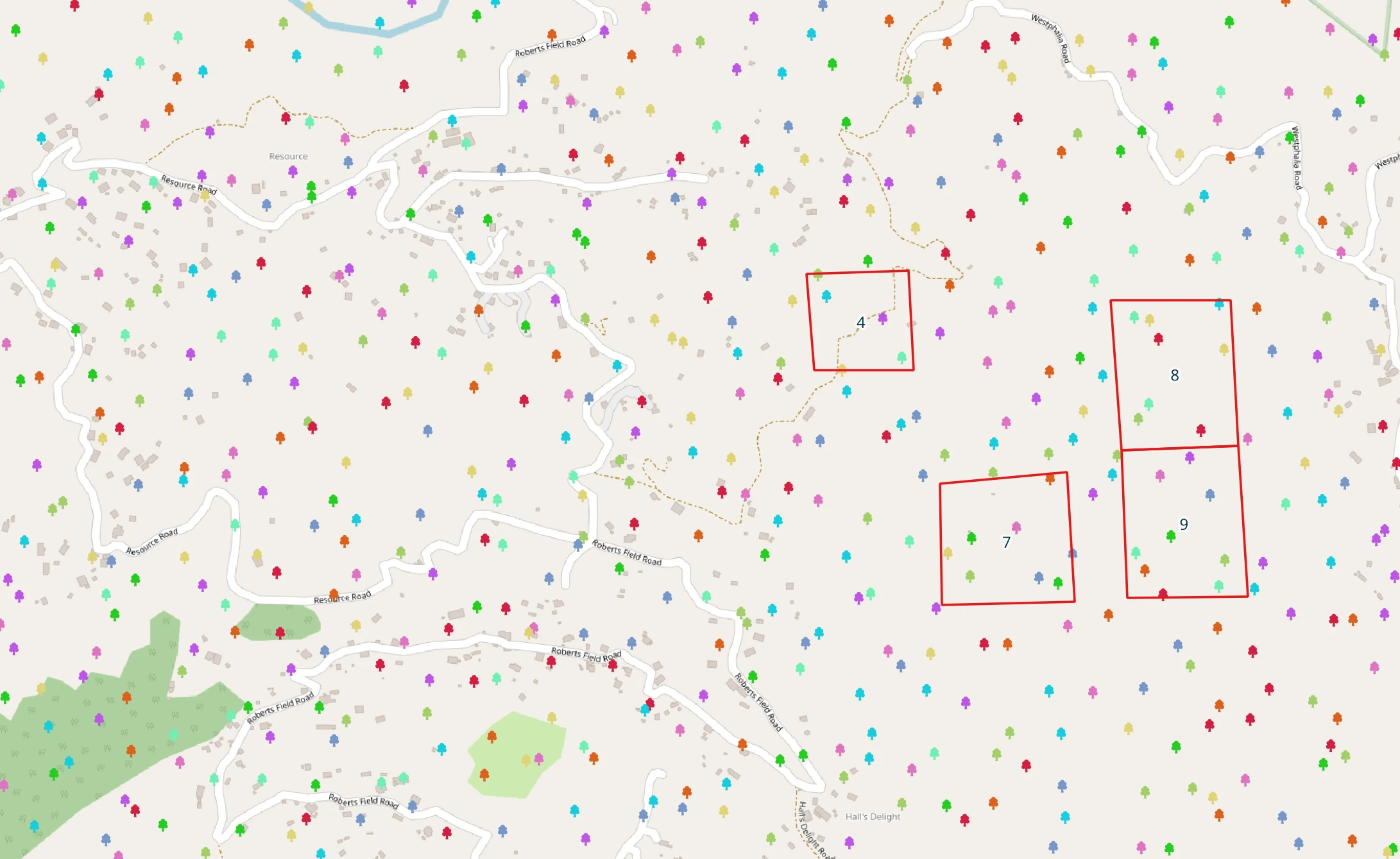
In a previous blog post I wrote about how PostgreSQL’s triggers eased the burden of editing an electric utility network. Because of how QGIS defaults to interacting with PostgreSQL, if you have triggers on your tables, any resulting changes will not be displayed until after you hit save. This can be problematic if you need to see the changes as they are made in real time. I think a small example will help.
The Scenario
Here is the scenario (and it may be a little contrived): You are subdividing land, and you want the number of trees within each new parcel to be an attribute in the data. You also want this attribute to be shown in QGIS so the editor can see it after each parcel is created. Let’s take a look at how this can be done.
Database Setup
We’ll tackle the database side first.
We need a table for the parcels and one for the trees. They will both live in the contrived schema.
CREATE SCHEMA contrived;

CREATE TABLE contrived.parcels(
  parcel_id BIGINT GENERATED ALWAYS AS IDENTITY PRIMARY KEY,
  num_trees int,
  shaded_area float,
  g geometry(Polygon, 3448)
);

CREATE TABLE contrived.trees(
  tree_id uuid PRIMARY KEY,
  species text NOT NULL,
  crown_height float,
  shaded_area float,
  g geometry(Point, 3448)
);
Planting some trees
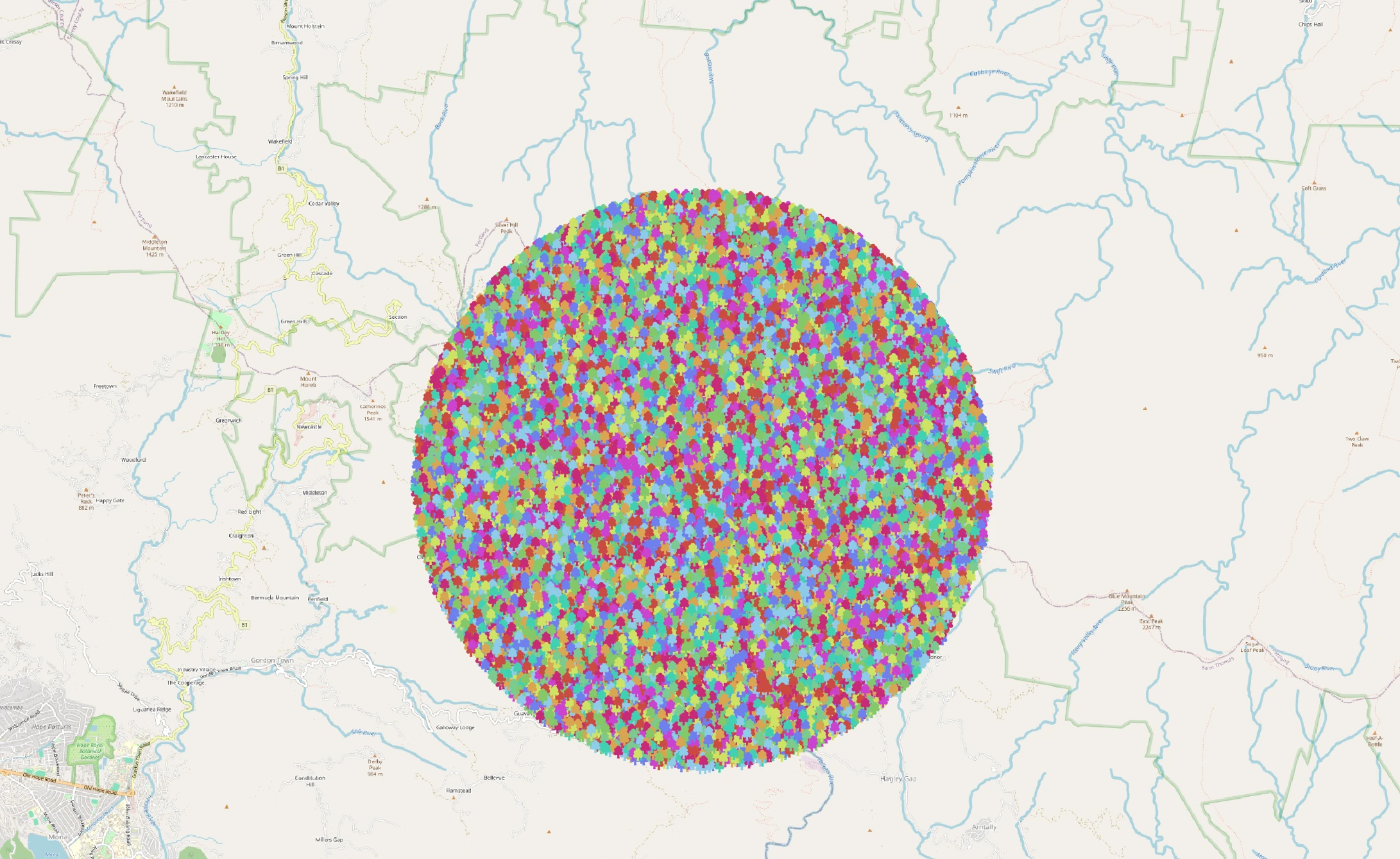
Now that we have our tables, let’s create some data. A combination of PostGIS’s st_generatepoints, st_dump, st_buffer and PostgreSQL’s various random functions come in handy here. We’re gonna “plant” a couple thousand trees in a 5 km radius around an arbitrary point near Westphalia, the highest town in Jamaica:
INSERT INTO contrived.trees
WITH trees AS (
  SELECT ARRAY[
    'Royal Palm','Blue Mahoe','Ackee','Breadfruit','Mango',
    'Lignum Vitae','Pimento','Guango','Seagrape','Tamarind'
  ] AS species_array)
SELECT
  gen_random_uuid(),
  species_array[random(1,cardinality(species_array))],
  random(4.7, 13.8) crown_height,
  random(7.75, 18.5) shaded_area,
  geom
FROM st_dump(st_generatepoints(st_buffer(st_makepoint(787215,657175),5000), 15000)), trees;
Here are our trees:
This may be triggering
OK, our data is taken care of. So, what we want on the database end is a trigger that invokes a function that takes each newly created parcel, and does a spatial join on the trees table and counts the number of trees and sums the total shaded area and places this data in the respective attributes of each parcel. Notice I said that the trigger invokes a function. The trigger is one thing the function is another. Triggers are the part that tells PostgreSQL the when and the how, the trigger function has the logic to be executed when data is changed on any given table.
Here is our trigger function:
CREATE FUNCTION contrived.tree_helper() RETURNS TRIGGER AS
$$
BEGIN
  SELECT
    count(*), sum(shaded_area)
  FROM contrived.trees WHERE st_intersects(NEW.g, g)
  INTO NEW.num_trees, NEW.shaded_area ;
  RETURN NEW;

END;

$$
LANGUAGE PLPGSQL
I’m not trying to do a deep dive on trigger functions, but some things do need explaining. The NEW variable is a record that contains the row that will be eventually saved in the table. What the trigger does is allow for modifications of this row before it is written. When QGIS creates the parcel and inserts it into the database, it initially only has a geometry, the other columns are null. So, conceptually, you can think of the NEW variable as a single-row table that matches the parcels table being passed to the function. We can access the values of the row and also update them if we wish.
This function does two things, counts the number of trees and sums the total shaded_area of trees that st_intersects the geometry in NEW.g. It then updates the NEW.num_trees and NEW.shaded_area values and returns them. You can have several triggers on a table all doing a little bit of work and each will accept the conceptual single-row table, do some work on it, and then pass it on.
And the last bit of database work is to create the trigger:
CREATE TRIGGER tree_stats BEFORE INSERT OR UPDATE
ON contrived.parcels FOR EACH ROW EXECUTE FUNCTION contrived.tree_helper();
This just tells postgres to execute the tree_helper function on every row that is inserted or updated. You can find more about triggers here.
The QGIS Issue
But we are not here to discuss trigger functions, we’re here to learn about the proverbial “one quick trick” to make editing in QGIS easier.
So let’s make some edits and see how QGIS normally handles PostgreSQL tables with triggers.
From this video, you can see the labels only appear after we hit save. This is because QGIS keeps all the edits in a local edit buffer and sends them to the database when you press save.
The QGIS Solution
This can be fixed by opening the project properties dialog (CTRL+SHIFT+P) and going to the Data Sources Tab and setting the Transaction Mode toggle to Automatic Transaction Groups.
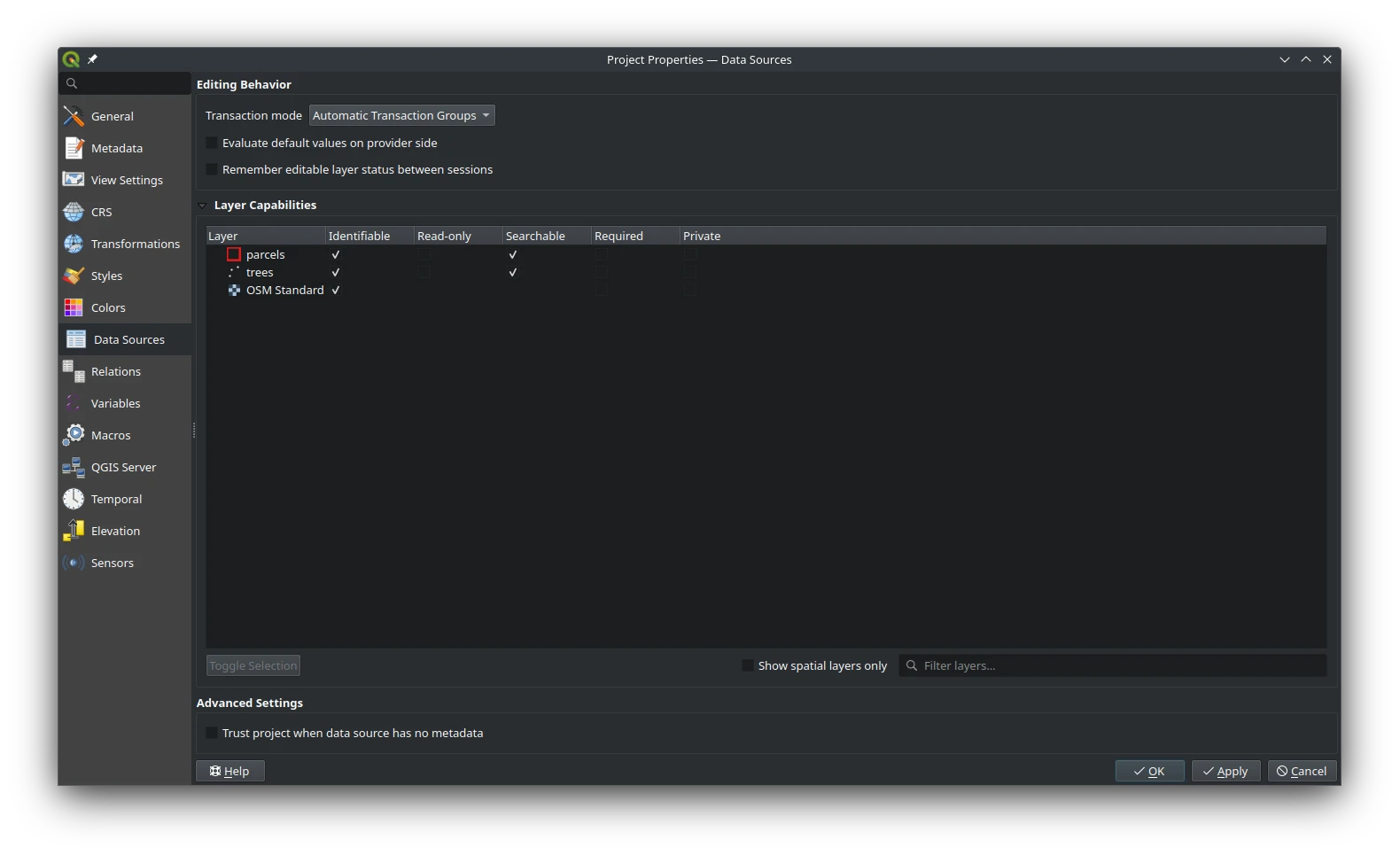
Click OK and then toggle editing. The first change you will notice is that all the layers in the same database are now editable at the same time. Let’s add some parcels.
So now in this video, you see that as a parcel is created or modified the label is updated to reflect the new or updated number of trees. Even changing the position of a vertex fires the trigger and runs the function to update the number of trees.
Smarter Editing with one Setting
It’s important to note that even though you are seeing the trigger being fired, your data isn’t saved yet. Behind the scenes, QGIS is using a PostgreSQL feature called savepoints - well, that’s my assumption, I haven’t really looked into the QGIS innards, but savepoints would allow this type of functionality. So you still need to hit the save button in QGIS which will issue a COMMIT to the database that will make your edits permanent.
With that caveat out of the way, using Automatic Transaction Groups is incredibly useful for workflows such as distribution mapping, parcel subdivision or really any scenario where real time visibility of changes to data is required.